ZoomableContainer
Figma-style pannable and zoomable viewport. Drop any element inside and navigate it with gestures. Reserves half-viewport padding around content so you can scroll past its edges.
Gestures
| Input | Action |
|---|---|
| Scroll / 2-finger | Pan |
| Shift + scroll | Pan horizontally |
| Ctrl/Cmd + scroll | Zoom at cursor |
| Trackpad pinch | Zoom at cursor |
| Middle-button drag | Pan anywhere |
| Space + drag | Pan anywhere |
| Drag on background | Pan |
Live Demo — Custom Divs
Scroll to pan, Ctrl/Cmd+scroll (or pinch) to zoom, Space+drag or middle-mouse to grab.
Images

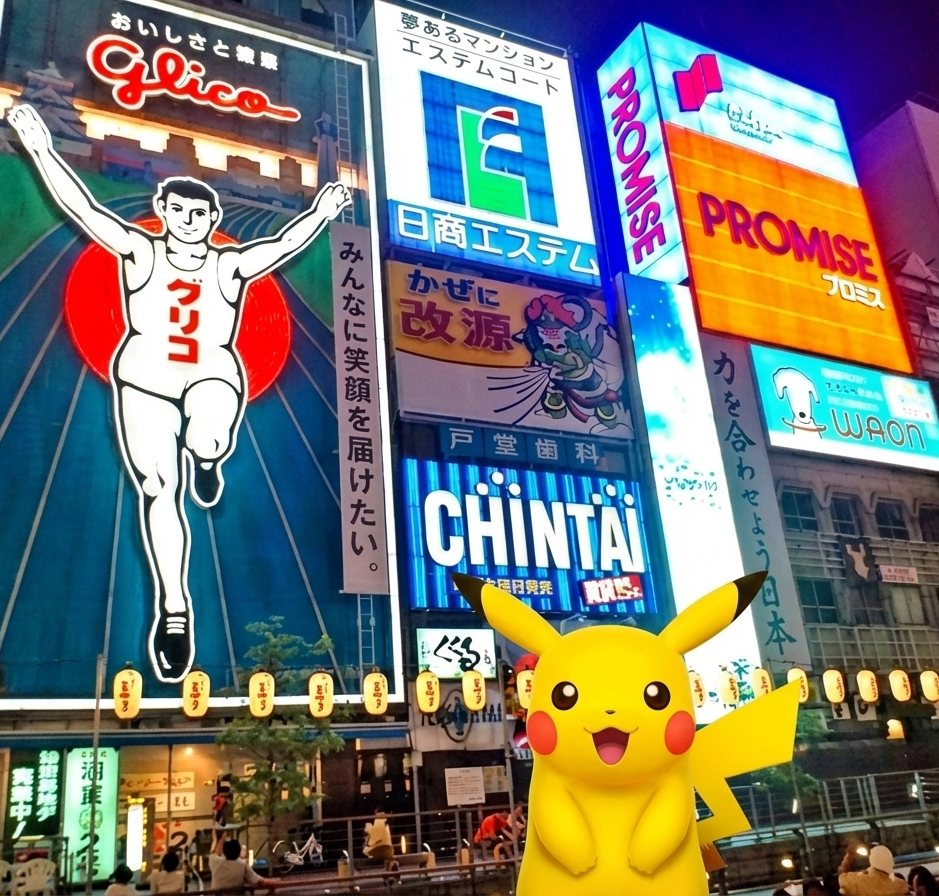


Canvas Inside
A <canvas> child works like any other element — the browser scales its bitmap. For pixel-perfect rendering at any zoom, re-render the canvas on scale changes.
Usage
Basic
vue
<template>
  <orio-zoomable-container style="width: 100%; height: 600px;">
    <div style="width: 2000px; height: 1500px;">
      <!-- any content -->
    </div>
  </orio-zoomable-container>
</template>
With Image
vue
<template>
  <orio-zoomable-container :min-scale="0.5" :max-scale="10">
    <img src="/large-photo.jpg" alt="" />
  </orio-zoomable-container>
</template>
With Canvas
vue
<template>
  <orio-zoomable-container>
    <canvas ref="canvasEl" width="1600" height="1200" />
  </orio-zoomable-container>
</template>
Programmatic Control
vue
<template>
  <orio-zoomable-container ref="zoomRef">
    <div class="board">...</div>
  </orio-zoomable-container>
  <orio-button @click="zoomRef?.resetView()">Reset</orio-button>
</template>

<script setup>
import { useTemplateRef } from "vue";
const zoomRef = useTemplateRef("zoomRef");
</script>
Reacting To Zoom Via Slot Prop
Use the scoped slot to counter-scale overlays (e.g. keep labels at constant size):
vue
<template>
  <orio-zoomable-container v-slot="{ scale }">
    <div class="board">
      <div class="pin" :style="{ transform: `scale(${1 / scale})` }">
        Always same size
      </div>
    </div>
  </orio-zoomable-container>
</template>
Props
| Prop | Type | Default | Description |
|---|---|---|---|
minScale | number | 0.1 | Lower zoom bound |
maxScale | number | 10 | Upper zoom bound |
initialScale | number | 1 | Zoom level on mount |
zoomSpeed | number | 0.0015 | Wheel-delta multiplier for zoom |
wheelPanSpeed | number | 1 | Wheel-delta multiplier for pan |
Events
| Event | Payload | Description |
|---|---|---|
update:scale | number | Fires on zoom change |
update:translate | (x: number, y) | Fires on pan change |
Slots
| Slot | Props | Description |
|---|---|---|
default | { scale, tx, ty } | Content to transform |
Exposed Methods
Access via ref:
| Method | Description |
|---|---|
setScaleAt(scale, px, py) | Zoom to scale anchored at a point |
panBy(dx, dy) | Pan by a pixel delta |
centerWorld() | Center the content in the viewport |
resetView() | Reset scale + recenter |
scale, tx, ty | Reactive refs of current state |
Notes
- Viewport reserves half-its-axis-size of empty space around the content on every side — you can pan until the content edge reaches the viewport center.
transform: scale()is GPU-accelerated; text may appear soft at non-integer zoom levels but remains selectable and accessible.position: fixedchildren escape the transform (browser limitation).- For world-space click coordinates:
worldX = (clientX - rect.left - tx) / scale.